Free Up Google Storage Without Paying for More Space
That notification always seems to show up at the worst possible time. You're trying to save a document, upload a file, or send an email when Google tells you your storage is almost full. The easiest solution is often to purchase more storage, but that is not always the smartest one.
In many cases, the problem is not that you have too little storage. It is that your files have never been reviewed or organized. A few minutes spent cleaning up your Google account can free up enough space to postpone, or even eliminate, the need for a paid storage upgrade. Just as importantly, regular digital organization makes it easier to find what you need and keeps your business running more efficiently.
Here are three quick places to start.
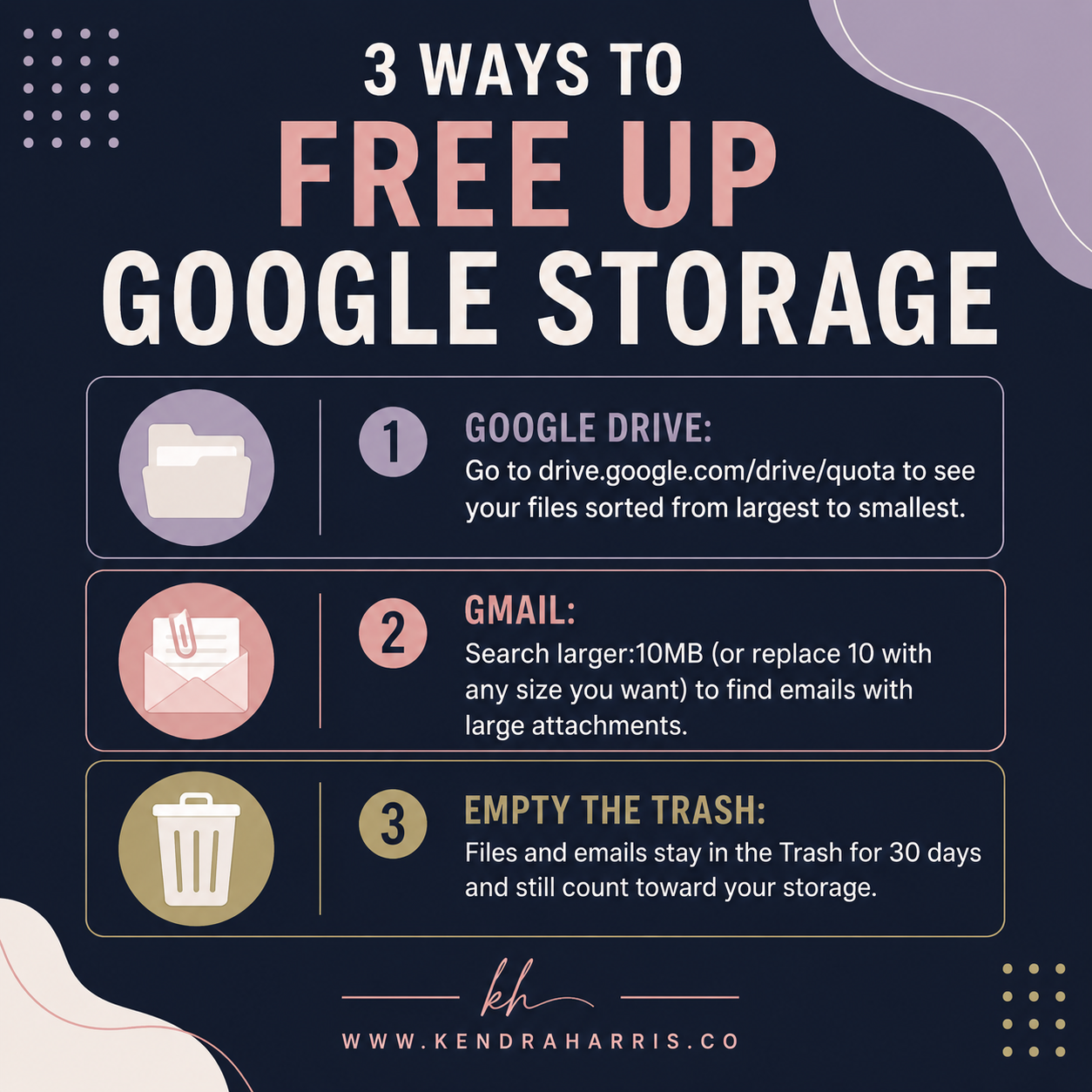
Review Your Largest Files in Google Drive
Most people have no idea what is taking up the majority of their Google Drive storage. Old video files, duplicate presentations, outdated downloads, and forgotten backups often sit untouched for years.
Google makes it easy to identify these storage-heavy files. Visit: drive.google.com/drive/quota
This view automatically sorts your files from largest to smallest, allowing you to quickly spot items that consume the most space. Instead of randomly deleting documents, you can focus on the files that will make the biggest impact. Before deleting anything, take a moment to confirm it is no longer needed. Once you remove large files you no longer use, you'll often recover several gigabytes within minutes.
Find Large Email Attachments in Gmail
Email attachments are another hidden source of storage usage. Every PDF, presentation, image, or spreadsheet you've received contributes to your overall Google storage allocation. A simple Gmail search can quickly surface the biggest offenders.
In the Gmail search bar, type: larger:10MB. You can replace 10with any file size that makes sense for your inbox. For example, larger:20MB will only display even larger messages. Review the results and delete emails with attachments you no longer need. This approach is much faster than manually scrolling through years of messages and helps you recover storage without sacrificing important correspondence.
Empty Your Trash to Reclaim the Space
Many people assume that deleting a file immediately frees up storage. It doesn't. Files removed from Google Drive and Gmail remain in the Trash for up to 30 days. During that time, they continue counting against your storage limit.
Once you've finished deleting unnecessary files and emails, empty the Trash in both Google Drive and Gmail to permanently remove those items and reclaim the storage you've already cleared. It only takes a few seconds, yet it is one of the most commonly overlooked steps.
Small Maintenance Tasks Prevent Bigger Problems
Digital organization follows the same principles as every other business system. Small maintenance tasks performed consistently prevent larger issues later. When your files are organized, your inbox is manageable, and your storage is under control, everyday work becomes faster and less frustrating.
Rather than waiting until you receive another storage warning, consider making this cleanup part of a recurring monthly routine. Five minutes each month can save time, reduce digital clutter, and help you avoid paying for storage you simply do not need.
Organized systems create room for better decision-making across your business, whether you are managing files, processes, or your daily operations. If your business has reached the point where digital clutter extends beyond your Google account into workflows, documentation, or team processes, I'd be happy to help you build systems that keep everything organized and easy to maintain. The links below are a great place to continue the conversation and explore what that could look like.
Let’s connect on LinkedIn!